Restaurant website design: features that fill tables
Menus, table booking, online ordering, Google Maps and Menu schema — what a restaurant website needs to turn hungry searchers into guests.
Good restaurant website design does three jobs quickly: it shows the menu, it proves the place is worth the trip, and it makes booking a table or ordering food a two-tap action on a phone. Everything else, from the hero photo to the colour palette, exists to support those three jobs. If a hungry person searching "biryani near me" in Hyderabad lands on your site and cannot find prices or a call button within five seconds, they go back to the search results and pick someone else.
This guide walks through the features that actually turn visitors into guests: a readable menu, online table booking, direct ordering, Google Maps and reviews, and the behind-the-scenes pieces like Menu schema and speed. It is written for owners of cafés-turned-restaurants, family dining places, cloud kitchens and fine-dining rooms alike.
Key takeaways
- Put the menu, call button, WhatsApp link and directions in the first screen on mobile.
- Publish the menu as real text, not a PDF or a photo of a printed card.
- Offer online table booking with a clear confirmation, even if it starts as a simple form plus WhatsApp.
- Direct online ordering on your own restaurant website saves aggregator commission on repeat customers.
- Menu and LocalBusiness schema, fast images and a consistent address help you appear in local search.
What a restaurant website must do in the first five seconds
Most restaurant visitors are on a phone, often standing on a street or sitting in a car deciding where to eat. They want answers, not a slideshow. The top of your homepage should answer "What kind of food? How much? Is it open now? How do I get there?" without any scrolling.
A practical first screen usually contains:
- The restaurant name with a one-line description such as "Coastal Konkani kitchen in Bandra, open till 11:30 pm".
- Three buttons: View menu, Book a table and Order online.
- A sticky bar at the bottom of the screen with Call, WhatsApp and Directions.
- Today's opening hours, updated automatically for holidays where possible.
Avoid autoplay videos with sound, full-screen pop-ups offering discounts before the page has loaded, and splash screens. Each of these costs a second or two, and on a patchy 4G connection that is enough to lose the visitor. Our mobile-first design guide covers tap targets and layout in more detail.
The restaurant menu website: text first, photos second
The menu is the most visited page on almost every restaurant website. Uploading a scanned PDF is the most common mistake. PDFs are slow to open on phones, force pinch-zooming, cannot be read by search engines properly, and quickly go out of date when prices change.
How to structure the menu page
- Group dishes by section (starters, mains, breads, desserts, beverages) with a sticky section jump bar.
- Show the price in ₹ next to every item. Hidden prices make people assume the place is expensive.
- Mark vegetarian, non-vegetarian, vegan, Jain-friendly and spice levels with simple icons and a legend.
- Write one short line for signature dishes. "Slow-cooked for six hours in a sealed handi" sells better than a list of ingredients.
- Add photos only for your best 10 to 15 dishes, compressed and lazy-loaded.
Keep it editable
Prices change with vegetable and gas costs, and seasonal dishes come and go. Ask for a simple admin panel where your manager can edit an item, mark it "sold out today" or add a festival special without calling a developer. If your billing runs on a POS system, some setups can sync the menu from the POS so you update it once.
Menu tip: mention whether prices include GST and whether a service charge applies. Clear pricing avoids awkward conversations at the table and builds trust before the guest even arrives.
Online table booking that guests actually use
Online table booking removes the friction of calling during your busiest hours, when nobody can pick up the phone. It also gives you a record of who is coming, which helps with staffing and preparation.
There are three common levels, and you do not need to start with the most complex one.
| Booking option | How it works | Best for | Watch out for |
|---|---|---|---|
| Form plus WhatsApp confirmation | Guest picks date, time and party size; staff confirm on WhatsApp | Small and mid-size restaurants | Someone must reply within minutes during service |
| Slot-based booking system | Guest sees available slots and gets instant confirmation by SMS or email | Busy restaurants with weekend waiting lists | Table capacity must be kept accurate |
| Booking with deposit | UPI or card pre-payment for large groups or special nights | Fine dining, New Year and brunch events | Needs a clear cancellation and refund policy |
Whichever you choose, send a reminder a few hours before the booking and include a "cannot make it?" link. That one message reduces no-shows more than any penalty policy. For private dining, birthdays and corporate lunches, add a separate enquiry form asking for headcount, budget per person and preferred menu.
Direct online ordering and delivery
Food delivery aggregators bring discovery, but they charge commission on every order and keep the customer relationship. A direct ordering page on your own site lets loyal customers order without that cut. Many restaurants keep aggregators for new customers and nudge repeat customers toward direct ordering with a small incentive, such as free raita or a loyalty stamp.
What a good ordering flow includes
- Menu with add-to-cart buttons, variants (half/full, regular/large) and add-ons.
- Delivery area check by PIN code or map location, with minimum order value.
- Pickup option with an estimated ready time.
- UPI, cards and cash on delivery at checkout, with a GST-compliant invoice.
- Order status updates on WhatsApp or SMS.
Orders should flow straight into your kitchen. When the website pushes orders to a restaurant POS and KOT system, staff do not have to retype them, and mistakes drop. If you are thinking further ahead, our article on building your own food delivery app explains when an app makes sense over a web ordering page.
Photos, ambience and trust signals
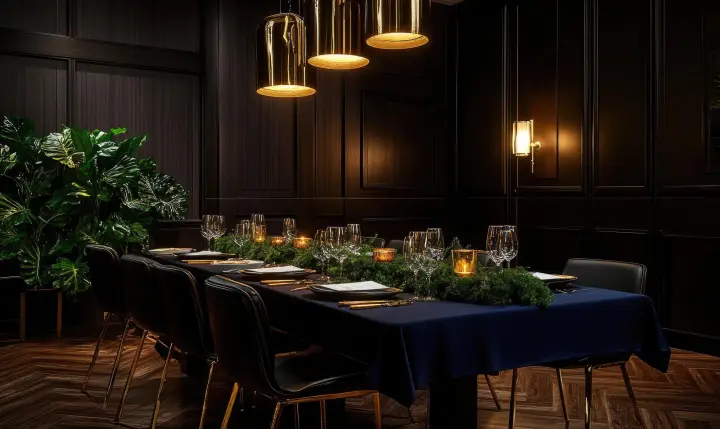
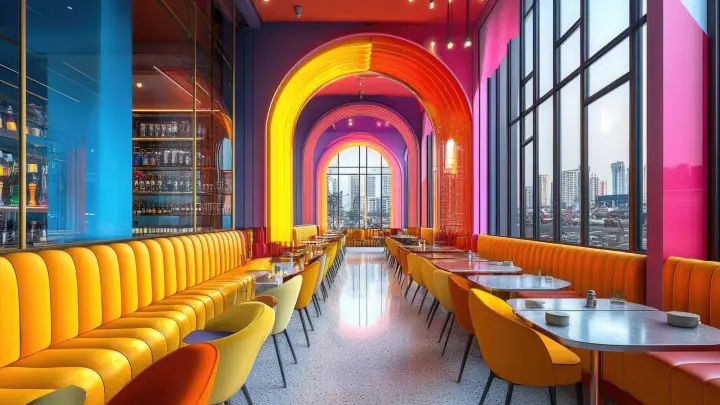
People choose restaurants with their eyes. Professional photos of your food, interiors and team do more than any paragraph of text. A single half-day shoot usually covers the homepage, menu highlights and social media for months.
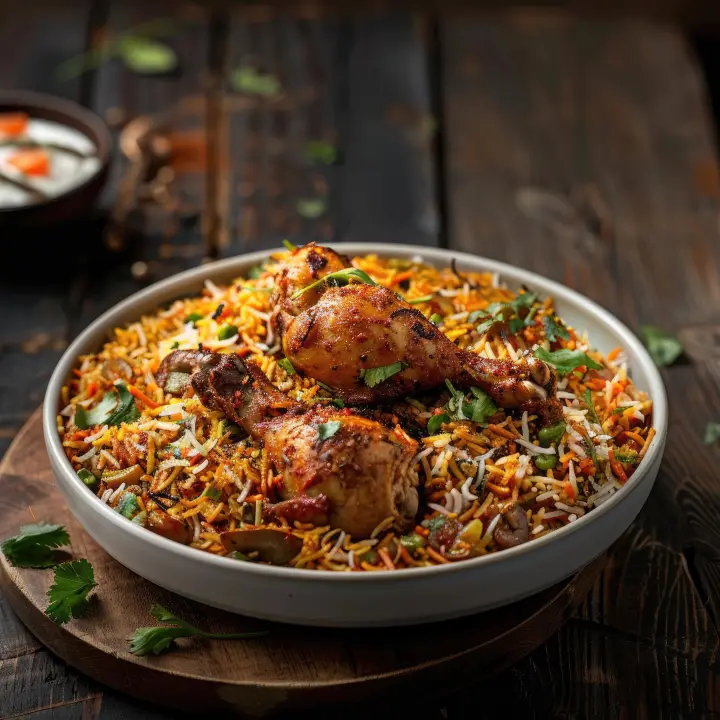
- Food photos: natural light, real portions, no heavy filters. Guests feel cheated if the plate looks very different.
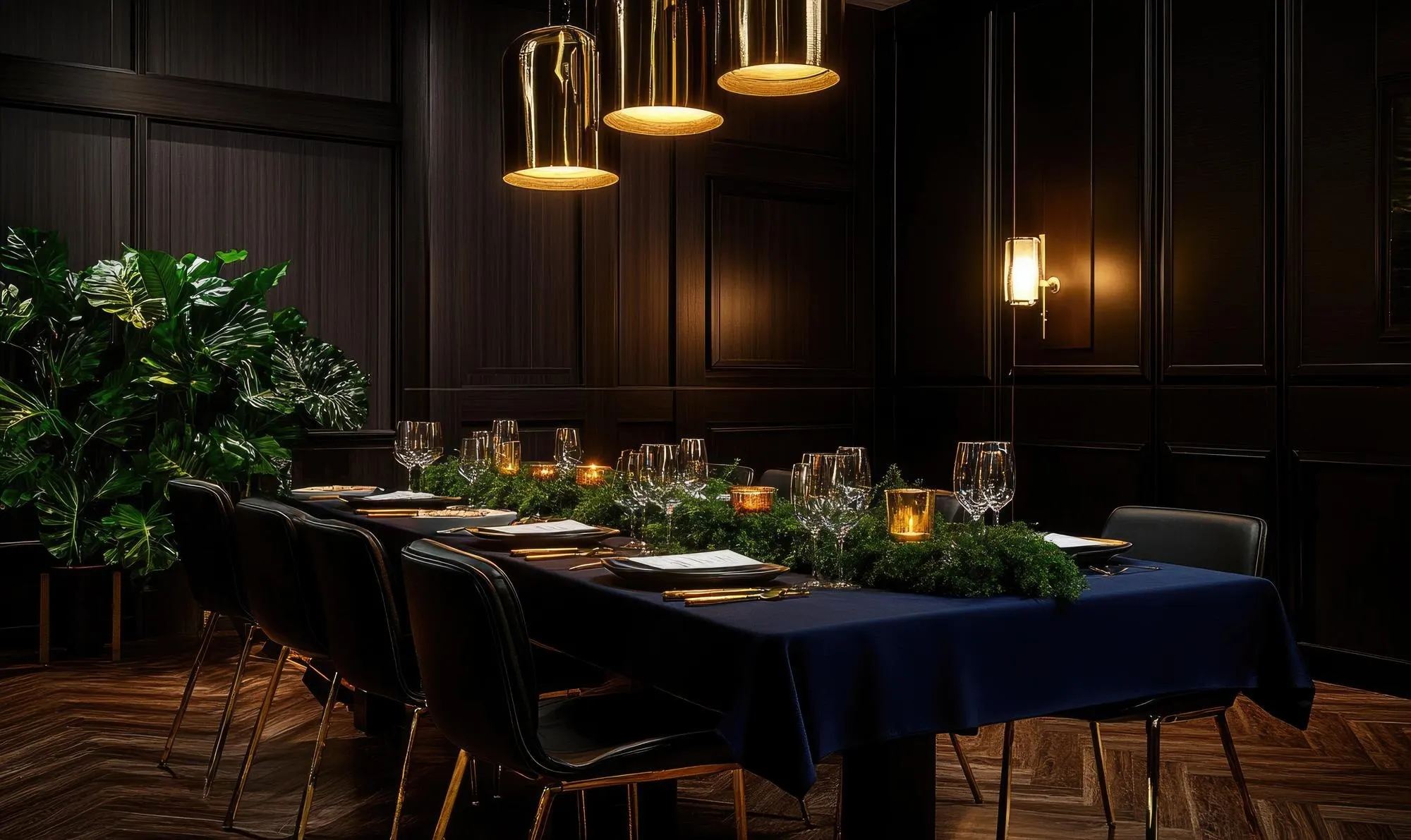
- Ambience: show seating areas, outdoor space, private dining rooms and parking if you have it.
- Reviews: embed or quote genuine Google reviews and link to your full review profile.
- Hygiene and licences: mention your FSSAI licence number in the footer, which is expected of food businesses.
- People: a short "our chef" or "our story" section makes a local restaurant feel personal.
Keep every photo compressed to modern formats. A homepage gallery of uncompressed camera files can easily weigh more than 20 MB and will crawl on mobile data.
Ask your regulars for honest reviews by placing a small QR card on the bill folder. Our guide on getting more Google reviews the right way explains how to do it without breaking platform rules.
Local SEO for a restaurant website
Most restaurant searches are local: "rooftop restaurant in Indiranagar", "veg thali near me", "best momos in Kolkata". To appear for these, your website and your Google Business Profile need to tell the same story.
On the website
- Use the exact same name, address and phone number as on your Google Business Profile and directory listings.
- Embed a Google Map on the contact page and add a "Get directions" link on every page.
- Write page titles that include cuisine and area, for example "North Indian Restaurant in Sector 29, Gurugram".
- If you have multiple outlets, give each one its own page with address, hours, menu differences and photos.
Structured data
Restaurant and Menu schema in JSON-LD help search engines understand your cuisine, price range, opening hours and menu. It does not guarantee rich results, but it removes ambiguity. Google's documentation on local business structured data lists the supported properties, and our schema markup guide explains it in plain language. For the wider picture, read the local SEO guide for Indian businesses.
Typical restaurant website cost and what drives it
Prices vary by city, agency and scope, but most projects in 2026 fall into these rough bands:
| Type of site | Typical range | What pushes cost up |
|---|---|---|
| Single-outlet site with menu, gallery and enquiry form | ₹15,000 – ₹40,000 | Custom design, photography, multiple languages |
| Site with online table booking | ₹35,000 – ₹80,000 | Slot logic, deposits, SMS reminders |
| Site with direct ordering and payments | ₹60,000 – ₹1,50,000+ | Delivery zones, POS integration, loyalty points |
| Multi-outlet or franchise site | ₹1,00,000 and above | Per-outlet menus, central admin, franchise enquiry flows |
Remember to budget for hosting, domain renewal, payment gateway charges, SMS or WhatsApp messaging costs and yearly maintenance. A cheap site that nobody updates quickly shows last year's menu and wrong holiday hours.
See restaurant website designs in action
The easiest way to decide what you want is to tap through a few working examples on your own phone. You can open the live restaurant website designs in this showcase and check how the menu, booking and ordering flows feel. If you would like one adapted to your cuisine and outlets, message Webmaintor on WhatsApp with your current menu and we will suggest a practical scope.
Frequently asked questions
Should my restaurant menu be a PDF or a web page?
A web page is almost always better. HTML menus load faster on phones, can be read by search engines, and are easy to update when prices change. You can still offer a downloadable PDF for people who want to print it, but the main menu should be text with prices, dietary icons and section links that work well on a small screen.
Can I take online orders without paying aggregator commission?
Yes. A direct ordering page on your own website lets customers pay by UPI, card or cash on delivery, and you pay only payment gateway fees and your delivery costs. You still need to manage delivery yourself or through a delivery partner, so many restaurants use direct ordering mainly for nearby repeat customers.
Do I need a separate app for my restaurant?
Not at first. A fast mobile website handles menus, bookings and orders for most single-outlet restaurants. An app makes sense when you have a large base of repeat customers, a loyalty programme, or several outlets and want push notifications. Start with the website, measure how many people order directly, and decide after that.
What details must a restaurant website show?
At minimum: name, full address, phone number, opening hours, menu with prices, and a map. Food businesses are expected to display their FSSAI licence number, and it is sensible to state whether prices include GST and any service charge. Add a privacy policy if you collect names and phone numbers through booking or ordering forms.
How long does it take to build a restaurant website?
A menu-and-gallery site usually takes two to four weeks once content and photos are ready. Adding table booking or online ordering with payments typically extends that to four to eight weeks. The biggest delay is usually gathering the final menu, prices and good photos, so start collecting those before the design work begins.